Alternatives to the Stable Diffusion Web UI
📚 Alternatives to the Stable Diffusion Web UI (Automatic1111)
The landscape of generative AI is rapidly evolving, moving beyond the popular, but often complex, Automatic1111's Stable Diffusion Web UI (A1111). This guide categorizes the leading alternatives, focusing on their unique design philosophies, technical requirements, and core features for advanced workflow indexing.
The choice of platform determines the user's level of granular control, ease of use, and access to computational resources (local vs. cloud).
⚙️ I. Node-Based Workflow Platforms (Granular Control & Flexibility)
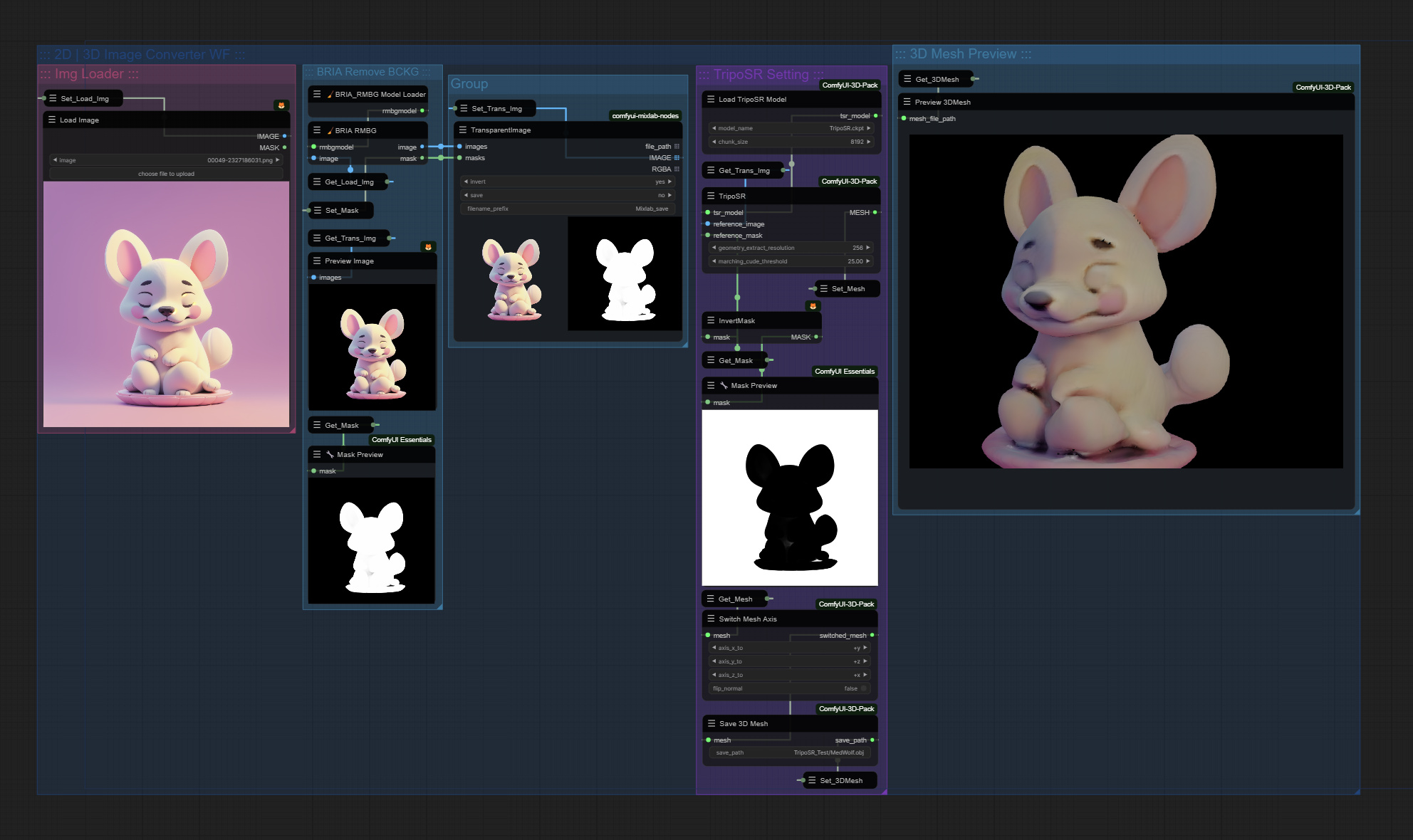
This category represents a major philosophical departure from A1111's tabbed, form-based interface. These platforms model the entire image generation process as a flow chart (node graph), offering the highest level of control, automation, and reproducibility.
| Platform | Core Identity | Delivery Method | Key Technical & Workflow Differentiators |
|---|---|---|---|
| ComfyUI | The Open-Source Node System | Local Software (Manual Install: Python, Git) | Control: The raw, node-based engine. Requires users to manually install all models, custom nodes, and dependencies. Workflow is saved directly within the generated image metadata (PNG Info). |
| Promptus | AI Creation Platform | Desktop App & Web/Cloud (One-Click Setup) | Hybrid Accessibility & Monetization: A popular platform built around the ComfyUI node system. Offers one-click installation and both local generation (App) and cloud access (Web). Key features include:
|
| InvokeAI | Structured Web UI (The Professional Interface) | Local Software (Guided Install) | Polished Canvas & UX: A polished local web interface that focuses on a unified Inpainting/Outpainting Canvas with layers. Provides a good balance between the low-level control of nodes (which are also available) and a highly intuitive, streamlined user experience (UX) for artists. |
⚡ II. Simplicity-Focused UIs (The Streamlined Experience)
These UIs abstract the technical complexities, providing a faster, more accessible experience focused purely on prompt-to-result efficiency.
| Platform | Best For | Key Differentiators |
|---|---|---|
| Fooocus | Aesthetic, high-quality results for beginners using SDXL. | Minimalism: It significantly streamlines the process by abstracting most technical parameters, relying on quality defaults and model intelligence to ensure aesthetic output with minimal user effort. |
| Easy Diffusion | Zero-hassle setup and the most straightforward UI for quick image generation. | Accessibility: Known for its rapid, one-click installation and a clean, uncluttered interface, making it the least intimidating option for first-time users. |
☁️ III. Managed Proprietary Platforms (The Cloud Ecosystems)
These are commercial, cloud-based services that run on proprietary models. They prioritize speed, unique aesthetic results, and ease of use, requiring no local hardware setup.
| Platform | Core Focus | Key Advantage Over Open-Source UIs |
|---|---|---|
| Midjourney | Unique artistic style and superior speed for cinematic/painterly aesthetics. | Requires a subscription and is primarily accessed via Discord or a web interface. Its proprietary models are renowned for their distinct, high-quality visual style. |
| DALL-E 3 | Unmatched prompt adherence and language understanding. | Integrated into products like ChatGPT and Copilot. It excels at interpreting complex, detailed natural language prompts and maintaining element consistency. |