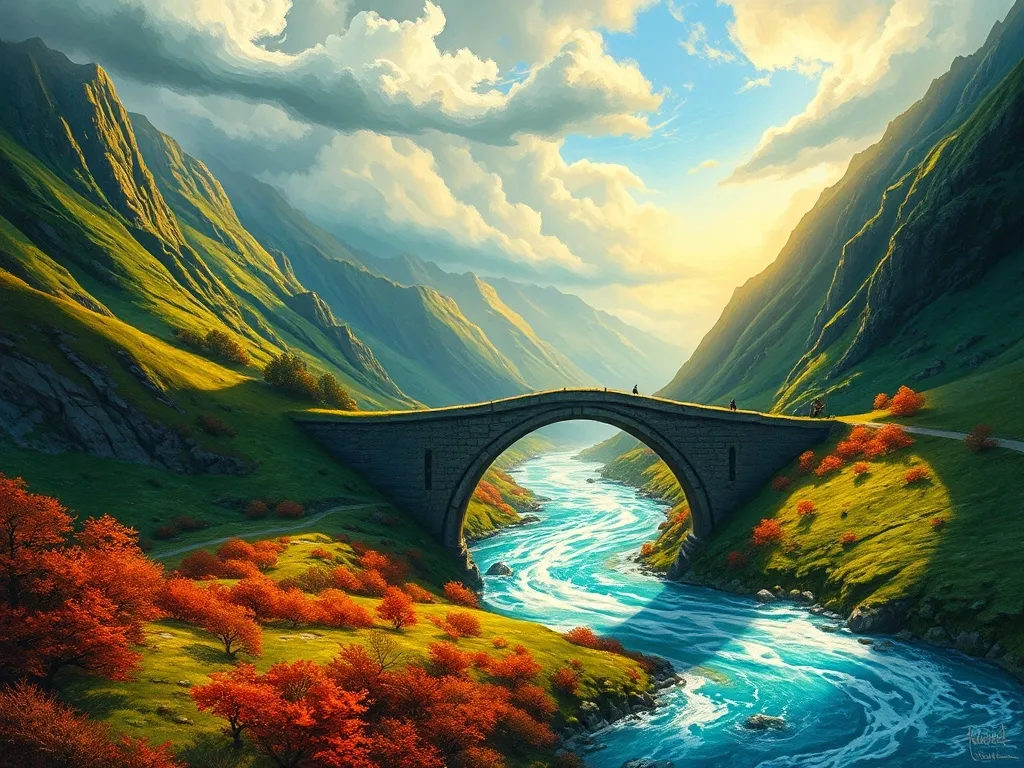
image of studio atmosphere (for a game development company)

New prompts to try

Easy to Use
Start creating images in seconds.
Fast Results
Get your AI art instantly.
Endless Ideas
Explore new styles and prompts.
Personal Touch
Make images that fit your vision.

📝 Prompt Writing Cheat Sheet

Guidelines for writing clear, creative, and effective AI image prompts

🎯 Clarity & Specificity

Be precise about subject, action, mood, and setting.

Example: “A golden retriever running through a foggy forest at sunrise.”

🌍 Context / Backstory

Provide background if it shapes the look.

Example: “A medieval knight preparing for battle outside a castle.”

🎨 Style & Modifiers

Add art styles, genres, or artist references.

Example: “Cyberpunk Tokyo, ukiyo-e woodblock print style.”

📐 Constraints & Format

Specify size, resolution, or exclusions.

Example: “Wide 16:9 cinematic shot, no text or watermarks.”

🔄 Iteration

Start simple, refine step by step. Change one detail at a time.

Example: Add “soft golden light” → “rainy atmosphere” → “lens flare.”

Prompt Idea

“A city skyline painted in Van Gogh’s Starry Night style.”

Prompt Idea

“A dragon made of glowing neon circuits flying over a futuristic city.”

Prompt Idea

looking at the sunset, concept art by Doug Chiang, cinematic, realistic, soft lighting, detailed textures, warm colors.”

Prompt Idea

“Use ‘balanced lighting, cinematic effect, intricate details, lifelike depth, professional clarity’ as modifiers.”

Prompt Idea

“A clock melting in the desert, inspired by Salvador Dalí.”

⚖️ Bad vs. Good Prompt Examples

See how small changes make prompts more effective

❌ Bad Prompt

“A dog.”

  • Too vague
  • No style or details
  • Unclear composition

✅ Good Prompt

“A golden retriever running through a foggy forest at sunrise, cinematic lighting, high resolution.”

  • Clear subject
  • Details about setting & mood
  • Style and quality specified

❌ Bad Prompt

“A castle.”

  • Too generic
  • No time period or atmosphere
  • Lacks creative direction

✅ Good Prompt

“A medieval castle on a cliff during a thunderstorm, dramatic lighting, cinematic 16:9 aspect ratio.”

  • Rich context
  • Strong mood
  • Framing defined
midjourney
Your AI Art Questions, Answered

Find quick answers about using generative AI to create AI images.

What makes a good AI prompt?

A good prompt is clear, specific, and structured. Include subject, action, setting, style, mood, and constraints. Example: “A cinematic shot of a medieval knight riding a white horse through a stormy forest at dusk, photorealistic, dramatic lighting, 16:9 aspect ratio, no text overlay.”

How are image prompts different from video prompts?

Image prompts focus on composition, subject, and detail, while video prompts include motion cues like camera angles, transitions, frame rate, and duration. Example: “A 10-second cinematic shot of a spaceship entering a neon-lit city, smooth tracking shot, 24fps, cinematic lens flare.”

What role do styles and modifiers play?

Modifiers define the look and feel of outputs. Use art styles (cyberpunk, watercolor), cinematic terms (HDR, bokeh), artist references, or video-specific cues like slow motion or pan shots. Example: “A futuristic Tokyo street scene in cyberpunk style, neon reflections, wide-angle lens, cinematic HDR lighting.”

How do I avoid bad results?

Use negative prompts (e.g., “no text, no watermark”), avoid overstuffing with conflicting modifiers, and refine gradually. Example: “A portrait of a woman, photorealistic, soft studio lighting — no blurry details, no text.”

What’s the best workflow for building prompts?

Start simple, iterate by adding details, refine with modifiers, and experiment with unusual combinations. For video, add camera moves, transitions, duration, and frame rate. Example: “10-second tracking shot of a steampunk cat walking in a foggy Victorian street, cinematic lighting, 24fps.”